


How I Build a Crate for a 6-Hour DJ Set Using Multiple Record Pools

When I prepare for a long DJ set, like a 6-hour gig, the process starts long before I step behind the decks. Building a crate that keeps the energy flowing and the crowd engaged takes time, care, and the right tools. I pull tracks from multiple record pools, normalize audio levels, analyze key and BPM, and add hot cues to make mixing smooth and creative. Here’s how I do it.
Pulling Tracks from Multiple Record Pools
The first step is gathering music. I don’t rely on just one source. Instead, I use several record pools to find fresh tracks and hidden gems. Each pool offers a different vibe and selection, so combining them gives me a wide range of options.
For example, I often use Beatport LINK and DJcity. Beatport LINK offers a huge catalog of electronic music, perfect for dancefloor hits. DJcity focuses more on hip-hop, pop, and club tracks. Using both means I can mix genres and keep the set interesting.
I browse new releases, top charts, and curated playlists on each platform. I listen carefully to each track, thinking about how it will fit into my set. I save the best ones to a playlist or download them for offline use.
Using multiple pools also helps me stay ahead of trends. Some pools get exclusive releases or remixes that others don’t. This way, I can surprise the crowd with fresh sounds.
Normalizing Audio Levels to a Master Level
Once I have my tracks, I check their audio levels. Tracks from different sources often have varying loudness. If I don’t fix this, the volume jumps will distract the crowd and make mixing harder.
I use software like Rekordbox or Serato DJ Pro to analyze and normalize the tracks. Normalizing means adjusting each track’s volume so they all play at a consistent loudness. This keeps the energy steady and avoids sudden spikes or drops.
For example, if one track is -6 dB and another is -3 dB, I lower the louder one to match the quieter one or bring both to a target level, like -5 dB. This way, when I mix, I don’t have to constantly adjust the volume knob.
Normalizing also protects the speakers and ears. Playing tracks too loud can cause distortion or damage. Keeping levels balanced means a cleaner sound and a better experience for everyone.
Analyzing Tracks for Key and BPM
Next, I analyze each track’s key and BPM (beats per minute). This step is crucial for smooth transitions and harmonic mixing.
Most DJ software automatically detects BPM and key. I double-check these values because sometimes the software can be off, especially with complex or live-recorded tracks.
Knowing the BPM helps me beatmatch tracks so they play in sync. For a 6-hour set, I plan tempo changes carefully. I might start slower, build up energy, then cool down before the final push.
Key analysis lets me mix harmonically. Mixing tracks in compatible keys sounds natural and pleasant. For example, mixing a track in A minor with one in E minor works well because they share notes.
I use tools like Mixed In Key or the built-in analyzers in Rekordbox and Serato. These tools show the key in musical notation or Camelot wheel format, which makes it easy to find matching tracks.
Adding Hot Cues for Creative Mixing
Hot cues are markers I set on specific points in a track. They let me jump instantly to a part of the song, like a drop, vocal, or breakdown. Hot cues make mixing more dynamic and let me improvise live.
I listen to each track and pick spots that stand out. For example, I set a hot cue at the start of a vocal phrase or a beat drop. This way, I can loop or jump to that part during the set.
Hot cues also help with quick transitions. If I want to cut from one track to another at a precise moment, hot cues make it easy.
Using hot cues means I don’t have to rely on memory or guesswork. I can focus on reading the crowd and adjusting the vibe.
Tools That Help Me Build My Crate
To manage all these steps, I rely on solid tools. Rekordbox is my go-to software. It lets me import tracks from different pools, analyze key and BPM, normalize levels, and set hot cues all in one place.
Another great option is Serato DJ Pro. It offers similar features and works well with many controllers and mixers.
For record pools, I recommend checking out:
A streaming service with a vast electronic music catalog. Great for fresh dance tracks.
Focuses on hip-hop, pop, and club music. Offers exclusive remixes and edits.
Using these services together gives me a broad palette of sounds. I can mix genres and keep the set unpredictable.

Planning the Flow of a 6-Hour Set
Building the crate is only part of the process. I also plan the flow of the set. Six hours is a long time, so pacing matters.
I organize tracks by energy level and key. I start with warm-up tunes, then build intensity. I mix in some slower or melodic tracks to give the crowd a breather.
I also prepare for different scenarios. If the crowd is hyped, I have high-energy tracks ready. If they need a break, I switch to chill or vocal tunes.
Having hot cues and normalized levels means I can adapt on the fly. I can jump to a different part of a track or change the tempo smoothly.
Why This Process Matters
A well-built crate makes the difference between a good set and a great one. It helps me stay organized, keep the energy consistent, and deliver a memorable experience.
It also supports the mission of bringing people together through music. When the sound flows naturally, the crowd connects. That’s the magic I aim for every time I play.
By using multiple record pools, normalizing audio, analyzing key and BPM, and adding hot cues, I create a toolbox that lets me perform with confidence and creativity.
If you want to explore these tools yourself, check out Beatport LINK and DJcity. They offer free trials so you can see how they fit your style.

Music is about connection. The better your crate, the stronger that connection. Take the time to build it right. Your crowd will thank you.
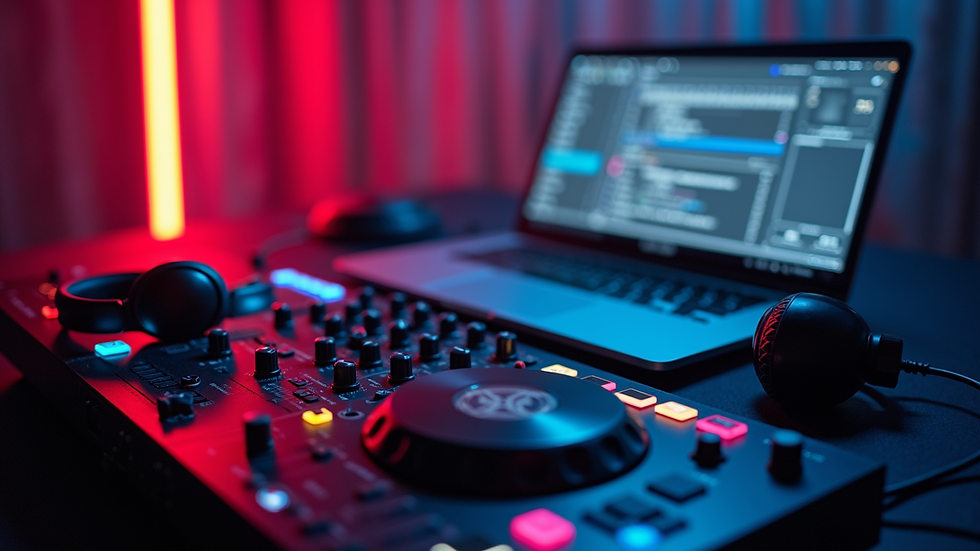
Now, it’s your turn. Start building your crate with care. Use multiple sources. Normalize your tracks. Analyze key and BPM. Add hot cues. Then watch your set come alive.


Comments